
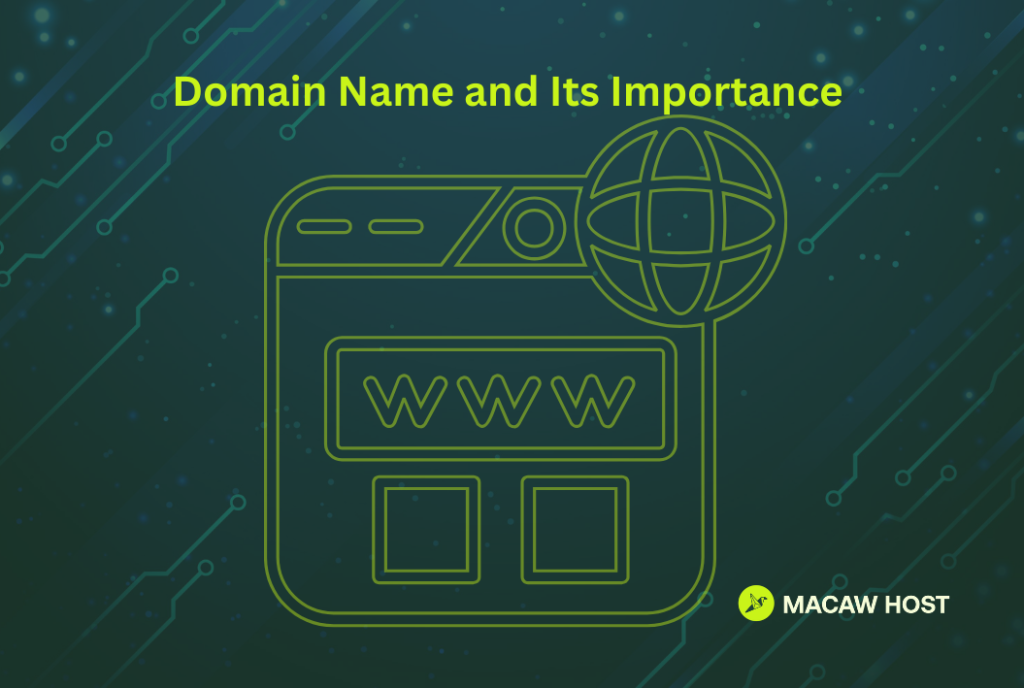
A domain name is the human-friendly address that helps people find your website and email without memorizing a string of numbers. While the internet runs on IP addresses, domains translate “people language” into “network language”—quickly and automatically—so browsers and apps can locate the right server.
Understanding how domain names work is essential for setting up a website correctly, avoiding downtime during migrations, securing your brand, and running a professional email.
What Is a Domain Name?
A domain name is a unique, readable address (like example.com) that maps to an IP address (like 203.0.113.10). That mapping is handled by the Domain Name System (DNS).
In practical terms:
- Domain name: the address people type (e.g., macawhost.com)
- Website hosting/server: where your website files and apps run
- DNS: the directory that connects the domain to the server
A domain does not automatically include a website. It’s the address; hosting is the “building” where the site lives.
Domain Name vs URL vs Website Hosting
These terms are often mixed up. Here is the clean distinction:
| Term | What it is | Example |
| Domain name | The core address | example.com |
| URL | A full address to a specific page/resource | https://example.com/blog/post-1 |
| Hosting | The server/infrastructure running your site | A web server with your files |
| DNS | The system that points the domain to the hosting | Records like A, CNAME, MX |
The Anatomy of a Domain Name
A domain is made of parts:
Top-Level Domain (TLD)
The ending, such as:
- .com, .net, .org (general)
- .ae, .uk, .sa (country-code)
- .shop, .online, .tech (industry-themed)
Second-Level Domain (SLD)
The name you register under a TLD:
- In example.com, example is the SLD.
Subdomain (Optional)
A prefix that can route to a different service or server:
- blog.example.com
- mail.example.com
- support.example.com
How Does a Domain Name Work?
When someone enters your domain into a browser, the following happens—typically in milliseconds:
1) The browser checks local caches
The device and browser may already remember the IP address for the domain from a recent visit.
2) A DNS resolver looks up your domain
If not cached locally, the request goes to a recursive DNS resolver (often provided by the ISP or a public DNS service).
3) The resolver queries the DNS hierarchy
DNS is a distributed system. The resolver may consult:
- Root DNS servers
- TLD DNS servers (for .com, .ae, etc.)
- Authoritative name servers (the final source of truth for your domain’s DNS records)
4) The resolver returns the correct IP/target
This comes from your domain’s DNS records (e.g., an A record that points to an IP address or a CNAME that points to another hostname).
5) The browser connects to your server
Now that it has the server destination, it establishes a connection and requests the page.
6) The server responds with site content
Your hosting environment delivers HTML, images, scripts, and other assets.
What Is DNS? The System Behind Domains
DNS (Domain Name System) is a global naming system that maps domain names to destinations, such as servers, email providers, verification endpoints, and more.
Think of DNS like:
- A phonebook: domain → IP
- A traffic director: domain/subdomain → service endpoint
The Most Important DNS Records
DNS works through “records.” Here are the ones most site owners actually use:
| Record Type | What it does | Common use |
| A | Points a domain to an IPv4 address | example.com → 203.0.113.10 |
| AAAA | Points a domain to an IPv6 address | IPv6 hosting |
| CNAME | Points a name to another hostname | www → example.com |
| MX | Routes email to mail servers | Business email setup |
| TXT | Stores verification/security text | SPF, DKIM, DMARC, Google verification |
| NS | Defines authoritative DNS servers | DNS provider selection |
| SRV | Defines service endpoints + ports | Some apps/VoIP/services |
Common real-world DNS setup
- example.com → A record → hosting IP
- www.example.com → CNAME → example.com
- Email → MX records + TXT for SPF/DKIM/DMARC
What Is Domain Propagation?
When you change DNS, it does not update everywhere instantly. DNS systems cache results based on a value called TTL (Time To Live).
Why propagation happens
- Resolvers cache DNS answers to reduce load and speed lookups
- Until the cached answer expires, users may still see the old destination
Practical implications
- A DNS change might appear “fixed” on one device but not another
- The safe approach during migrations is to:
- lower TTL ahead of time
- change records
- verify
- Then raise TTL once stable
Domain Names and Email: Why MX and TXT Records Matter
If you want an email like name@yourdomain.com, the DNS must route mail correctly and prove legitimacy.
Essential records for professional email
- MX records: where incoming email should go
- SPF (TXT): which servers may send email for your domain
- DKIM (TXT): cryptographic signing of outbound mail
- DMARC (TXT): policy and reporting for spoof protection
Business impact: Correct email DNS records improve deliverability and help prevent impersonation and phishing attempts using your domain.
Domain Security Basics You Should Not Skip
Enable domain privacy (where available)
Helps reduce spam and unwanted contact by limiting public exposure of registrant details.
Use a strong registrar login + 2FA
Most domain hijacks are account compromises.
Turn on domain lock
Prevents unauthorized transfers.
Consider DNSSEC (if supported and appropriate)
DNSSEC adds a layer of authenticity to DNS responses, reducing certain spoofing risks.
How to Choose a Good Domain Name (Brand + SEO + Trust)
A domain name is a long-term asset. Choose one that is easy to say, type, and trust.
Practical best practices
- Keep it short and memorable
- Prefer clear spelling (avoid hyphens and tricky characters)
- Choose a TLD that fits your audience (.com is broadly recognized; country-code TLDs are useful for local targeting)
- Avoid names that are too close to existing brands (risk and confusion)
- If possible, secure common variants (e.g., with/without “the”, plural forms)
SEO reality check
Keywords in domains can help clarity, but SEO outcomes depend far more on:
- content quality and relevance
- site performance
- technical SEO
- backlinks and trust signals
Choose for brandability and user trust first.
Setting Up a Domain for Your Website
When connecting a domain to web hosting (for example, when deploying your site on MacawHost), the workflow typically looks like this:
- Register the domain
- Decide where DNS will be managed (nameservers)
- Point the domain to the hosting
- Add/update an A record for the root domain
- Add CNAME for www (or an A record if preferred)
- Enable SSL (HTTPS)
- Set up email (optional)
- Add MX + SPF/DKIM/DMARC
- Verify and test
- Website loads on https://example.com and https://www.example.com
- Email sends/receives successfully if configured
FAQ:
No. A domain is an address. A website requires hosting (server space and infrastructure) to store and deliver your site’s content.
DNS is the system that translates a domain name into the correct destination—usually an IP address for your website or routing information for email.
It varies due to caching and TTL values. Some updates appear quickly, while others take longer depending on resolver caches and prior TTL settings.
An A record points directly to an IP address. A CNAME points to another hostname (which then resolves to an IP).
Because example.com and www.example.com are different DNS names. You need correct DNS records for both, plus proper server and SSL configuration.
Yes. A branded email address (like you@yourdomain.com) requires domain ownership and DNS configuration, typically MX and TXT records.
Yes. Domain registration, DNS, and hosting are separate components. You can move any one of them, as long as DNS is configured correctly.
Conclusion:
A domain name is your website’s public address, but DNS is the engine that makes that address functional by pointing it to the right server and services. Once you understand DNS records, propagation, and basic security, you can confidently launch websites, set up professional email, and migrate platforms without unnecessary downtime.